Create an account and a profile
-
Open the dashboard and choose Create your op account. If you already have an op account, choose Sign in with your op account. All the op products use the same op account. You sign up on opauth.net. You also prove that the email address is yours and set your password, passkeys and second factors there. Then opauth.net sends you back to the dashboard.
-
Secure your op account with a passkey or an authenticator app on account.opauth.net. See Account.
-
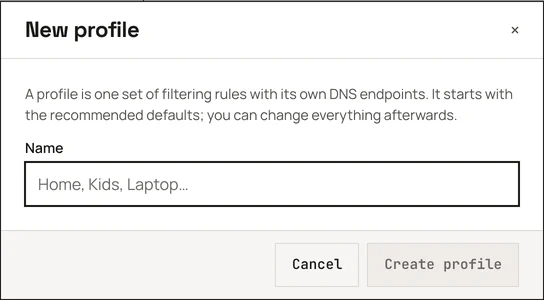
Create a profile. Give it a name that you will recognize, for example Home or Kids. The dashboard gives the profile its 6-character id.
-
Open the Setup page of the profile. The page shows the DNS-over-HTTPS address of the profile in large type, and every other endpoint below it. Continue with Your endpoints.